How to Make an AI Rap Video From a Photo (When You Don't Have a Song)
Most AI rap video guides assume you already have a finished track. Here is how to make one from a photo when you have no song, which route fits your situation, and how to get clean lip sync.
Search for "how to make an AI rap video" and most of what comes back is written for musicians. One guide tells you to finish the mix and export a WAV before you do anything else. Atlabs has you choose a segment of your track. Freebeat asks you to upload a song or paste a link. That is good advice if you are a rapper with a record to promote.
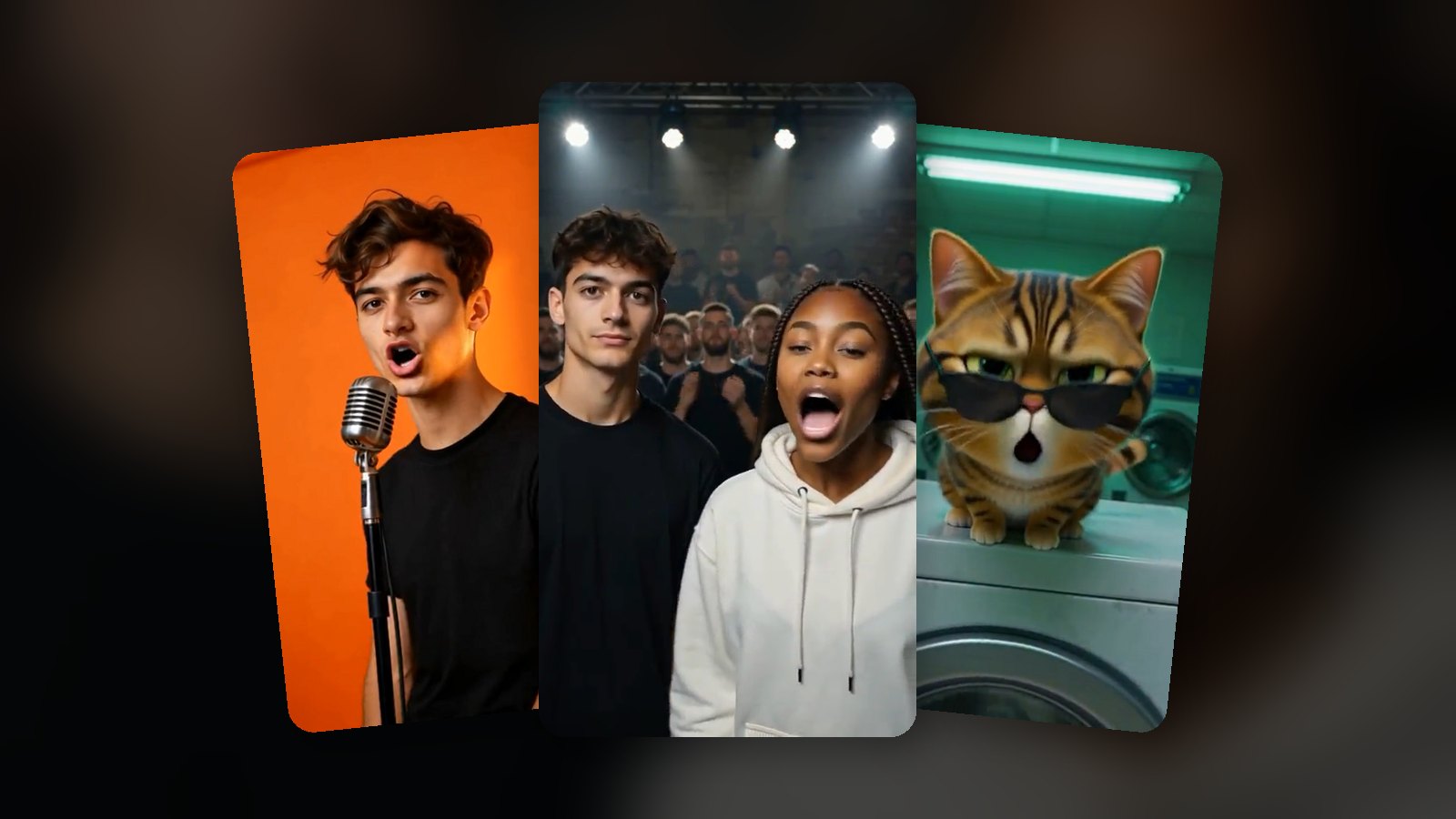
Most people who want a rap video of themselves, a friend or their cat don't have a song. For them the visuals are not the hard part. The audio is. This guide is for that situation: you have a photo and an idea, and nothing else.
We make Get AI Rap Video, which is one of the tools below, so we will say where it fits and where it doesn't.
Three ways to get from a photo to a rap video
1. Song first, then video
You get a finished rap from somewhere (you record it, or you generate it with an AI music tool), then hand it to a video tool that lip-syncs a face to it or builds a music video around it.
Good for: anyone who cares about the song itself, wants a specific voice, or needs more than 15 seconds. Freebeat lists videos of up to 6 minutes on paid plans. TuneArt will make a photo of you, your dog or your cat mouth your track.
The catch: you need two tools, and you have to make the song before you know whether the video will work.
2. A chain of separate AI tools
This is the do-it-yourself route, and it is surprisingly common. One write-up on DEV Community shows the pattern: a chatbot writes the lyrics, a voice tool reads them out, a separate app makes the beat, and stock footage fills the screen. CapCut suggests something similar with its text-to-speech voices, and you can add a lip-sync tool to put a face on top.
Good for: people who enjoy tinkering and want control over every piece.
The catch: every handoff is a seam. The voice was not made for that beat, so the flow drifts off the rhythm. The lip-sync tool is guessing at mouth shapes for audio it didn't produce. Each step works on its own and the result still feels stitched together, because it is.
3. One pass: vocals, beat and lip sync together
Newer video models can generate the rap vocal, the beat and the mouth movement in the same render. You give them a photo and a few lines of lyrics (or just a topic), and you get back a finished clip.
Good for: short, shareable clips when you have no song: a birthday rap, a roast between two friends, a rapping pet.
The catch: you give up control. You cannot bring your own track, you don't choose an exact voice, and clips are short. Ours stops at 15 seconds.
Which one to pick
Ask one question: do you already have the song? If yes, use route 1. If no and you want something under 15 seconds, route 3 is the least work and has the fewest seams. Route 2 makes sense mainly if you enjoy the process.
How to make one from a photo, step by step
The steps below are for the one-pass route. Most of them apply to any lip-sync tool.
Step 1: Pick the right photo
Lip sync lives or dies on the face. What works:
- Sharp and well lit. Daylight from the front beats a dim bar photo.
- Face fills a good part of the frame. A head-and-shoulders shot is ideal. A face the size of a thumbnail in a group shot gives the model very little to animate.
- Front-facing, mouth visible. Side profiles, sunglasses, masks, hands over the mouth and heavy beauty filters all make the mouth harder to track.
- One person per photo. If you want two people, use two photos.
For a duo or a rap battle, try to match the two photos: similar framing, similar light. Two head-and-shoulders shots look like the same booth. A selfie next to a wide group photo does not.
Step 2: Write fewer lyrics than you think
This is where most first attempts go wrong. People paste a full verse, and the model either rushes it or cuts it off.
A rule that works: about two short lines for every five seconds. That means two lines for a 5-second clip, four for 10 seconds and six for 15. If you want the reasoning behind that number, we worked through the bar math in How to Write Rap Lyrics for a 15-Second Video.
Three habits help:
- Put the punchline last. In a 10-second clip, line four is where the laugh goes.
- Use real names and specifics. "Jake still owes me twenty bucks" beats "my friend is so cool".
- Read it out loud. If you trip over a line, the AI vocal probably will too.
If you're stuck, the free rap lyrics generator turns a topic into a short verse you can edit. You can also leave the lyrics empty and let the video tool write a clean verse for you.
Step 3: Name the beat
If the tool takes a scene or a prompt, say what kind of beat you want: boom-bap, trap with 808s, drill or lo-fi. Models follow the tempo and mood you name. A slower boom-bap leaves room for the words. A fast drill beat makes everything sound rushed if the lyrics are long.
Step 4: Choose the length
- 5 seconds: one joke, two lines. Good as a reaction or a punchline.
- 10 seconds: the sweet spot for most clips, and the minimum we would suggest for two people, so each gets a couple of lines.
- 15 seconds: room for a short story with a payoff.
On Get AI Rap Video a 5-second video costs the same as a 15-second one, so length should be a creative choice, not a budget one.
Step 5: For two people, order the lines
In a duo, the person on the left raps the first half of the lyrics and the person on the right raps the second half. Write the lines in that order. A setup and a reply work well here: the left person makes a claim, the right person answers it.
Step 6: Render, check, post
On our site most videos come back in about a minute as a vertical 9:16 MP4, which fits TikTok, Instagram Reels and YouTube Shorts. Watch it once with the sound on before you post. If the lip sync slips, the cause is almost always the photo (Step 1) or too many words (Step 2).
Before you post
Ask first. Only use photos of people who agreed to it. Making a friend rap a roast about themselves is funny when they're in on it and not when they aren't. In the US this is starting to be law, not just manners: Tennessee's ELVIS Act, in force since July 2024, protects a person's voice and likeness against unauthorized AI imitations. That is one reason most tools, ours included, refuse photos of celebrities and minors.
Label realistic clips. TikTok added an AI-generated label in 2023, and YouTube asks creators to disclose realistic altered or synthetic content. A cartoon cat with a microphone is obviously not real. A photo-real clip of your coworker rapping might not be.
Download what you want to keep. Most generators don't store videos forever. Ours keeps them for 30 days.
Where to start
If you have a song, start with a tool that takes audio. We compared the main options in Get AI Rap Video vs TuneArt vs Freebeat.
If you have a photo and an idea, pick a starting point:
- Photo to rap video: one photo, one rapper.
- AI rap battle: two photos, face to face.
- Birthday rap video: the name and the inside jokes in the lyrics.
- Rapping cat: your pet, or a cartoon one.
Frequently asked questions
- Can I make an AI rap video without a song?
- Yes. Tools that generate the vocals, the beat and the lip sync in one pass only need a photo and a few lines of lyrics, or even just a topic. Tools built for musicians, such as Freebeat or Atlabs, expect you to upload a finished track first.
- What kind of photo works best for an AI rap video?
- A sharp, well-lit, front-facing photo where the face fills a good part of the frame. Sunglasses, masks, heavy filters, side profiles and group shots make lip sync worse. For a two-person video, use one photo per person with similar framing and light.
- How many lyrics fit in a 15-second rap video?
- About six short lines. A useful rule is two lines per five seconds: two lines for a 5-second clip, four for 10 seconds and six for 15. Longer verses get rushed or cut off.
- Do I need to label an AI rap video when I post it?
- Check each platform. TikTok has offered an AI-generated content label since 2023, and YouTube has required creators since 2024 to disclose realistic content made with altered or synthetic media. A rapping cat is unlikely to fool anyone, but a realistic clip of a real person rapping is exactly what these rules are about.
- Can I use a photo of a friend or a celebrity?
- Use photos of people who have agreed to it. Most AI rap video tools, including ours, refuse celebrities, public figures and minors, and some US states, such as Tennessee with its 2024 ELVIS Act, now protect a person’s voice and likeness against unauthorized AI imitations.