
From $5.99 · No subscription · No watermark
AI Rap Video Generator
↳ drop a pic. spit a verse. ~60 sec
Get AI Rap Video is an AI rap video generator: give it a selfie, a photo of you and a friend, or just a few lines of lyrics, and it renders a vertical rap music video with vocals, lip sync and an original beat. Pick a scene, write your bars or let the AI write them.
- built for the feed
- 9:16
- max per clip
- 15s
- per video in packs
- $1.43
Real rap videos made here
Hover to preview, tap to hear it. Like one? Hit “Make this” and we set it up for you.
What you get with every video
No subscription
Pay once for one video or a pack. Nothing renews, and unused videos never expire.
No watermark
Every video downloads as a clean MP4, and commercial use is included.
Failed? Video back
If a render fails on our side, the video goes back to your balance automatically. Try again at no extra cost.
How it works
Upload a photo — or skip it
A clear, front-facing photo of you, or one per person for a duo. No photo? Switch to Text only and describe your rapper.
Pick a scene and drop your bars
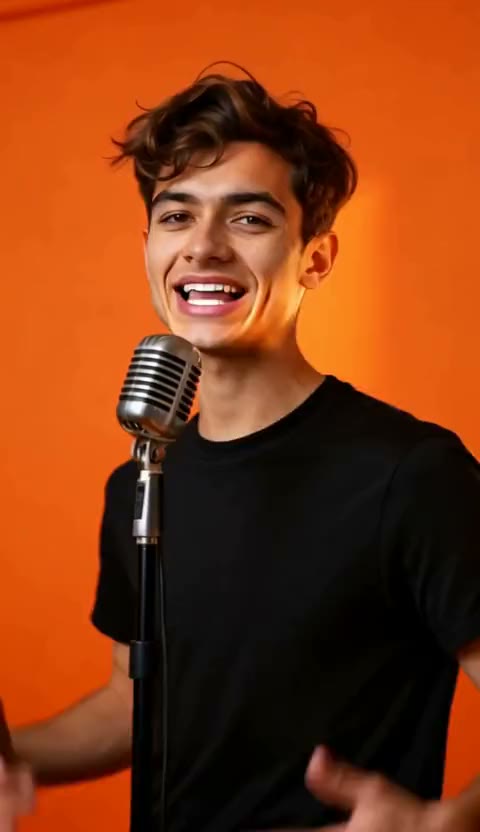
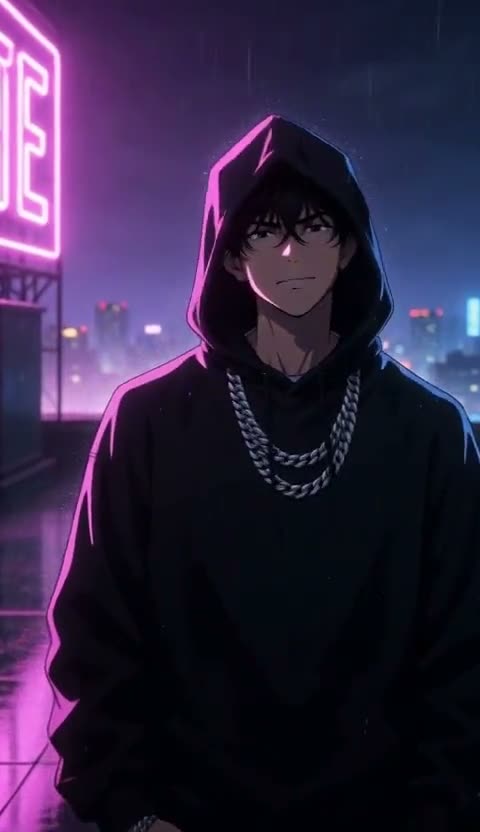
Choose a scene like the orange studio or a night rooftop. Type your own lyrics, or leave the box empty and the AI writes an original verse.
Generate and share
Your 9:16 rap video renders with vocals and a beat in about a minute, ready for TikTok, Reels or Shorts.
What people make with an AI rap video generator
Most clips made here are small, personal and meant for one group chat. A birthday verse with the friend's name in the first line. A roast of a coworker who keeps replying-all. A rap from the dog about being left alone while you're at work. These work because the audience already knows the face on screen, so the video gets a laugh before the first bar finishes.
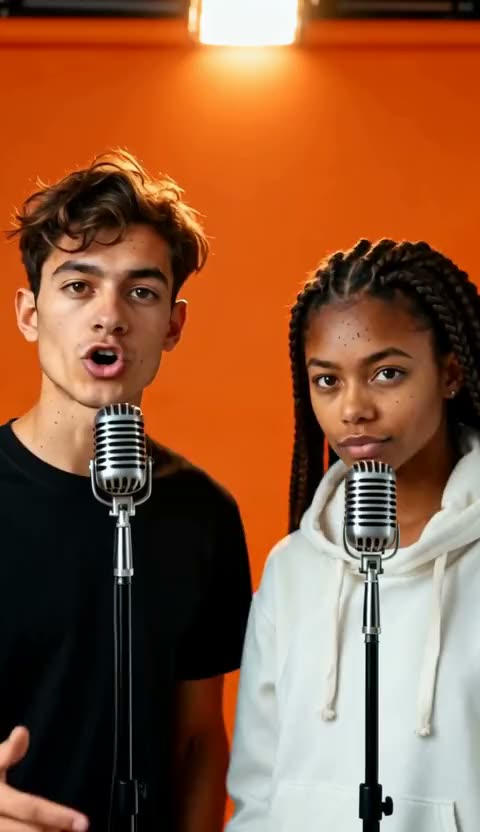
The second big group is creators chasing a format. When a look takes off on TikTok, like the orange recording booth with two people trading lines, people want their own version the same day. An AI rap video generator lets you make it from two selfies instead of booking a studio, buying a mic and filming twenty takes.
Then there are small businesses. A barber shop, a taco truck or a local gym can turn its opening hours and a special offer into a 10-second rap and post it as a Reel. It won't replace an ad agency, but it costs about as much as a coffee per video and it stands out in a feed full of static flyers.
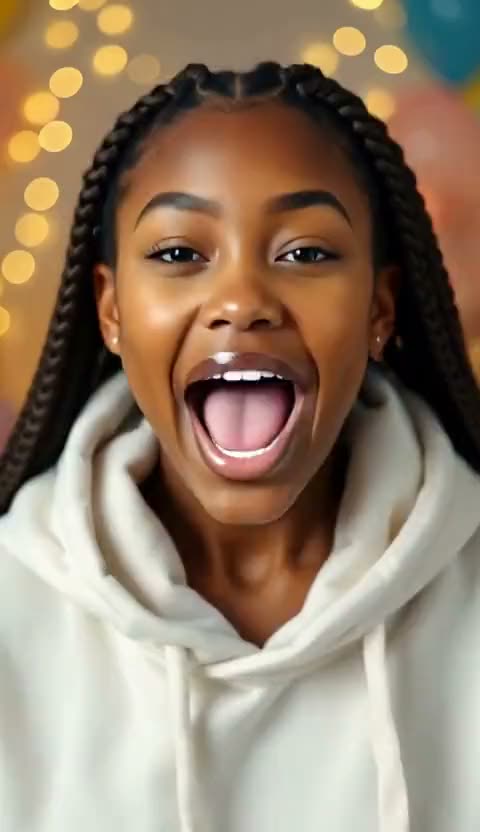
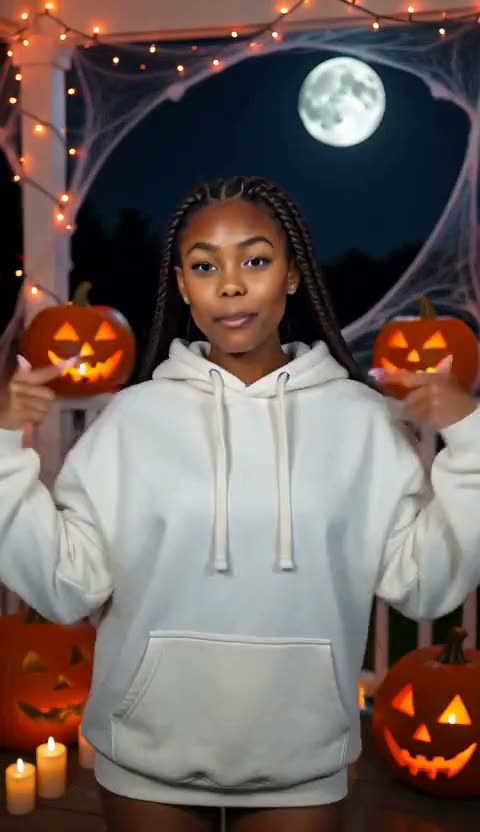
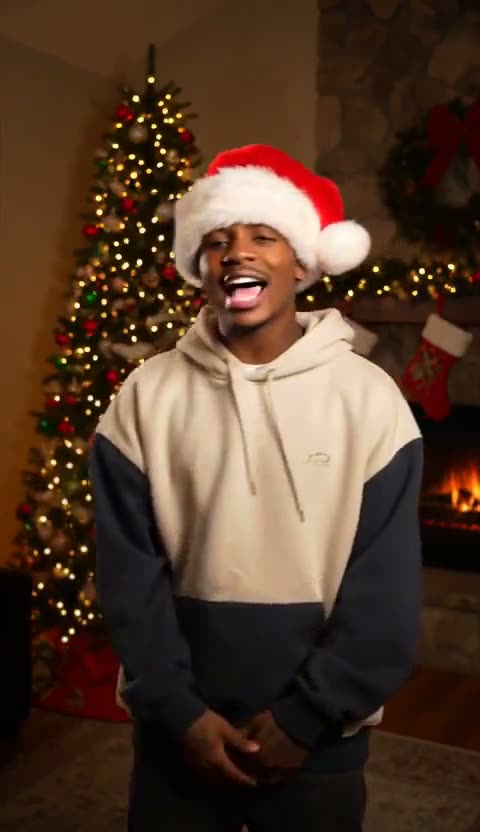
Seasonal clips fill the rest: Halloween verses in costume, Christmas raps in front of a tree, a New Year's toast. Each has its own ready-made scene, so you only bring the photo and the words.
Start with a birthday rap videoOne photo, two photos or text only: which mode to pick
1 photo is the default and the one most people want. Upload a clear selfie and the video shows that person rapping your lyrics, with the mouth moving in time with the vocals. It works best with a front-facing face that fills a good part of the frame. Side profiles, sunglasses and beauty filters make the lip sync drift.
2 photos (duo) puts two people side by side in the same scene. You upload one photo per person, and they don't need to be taken together: a selfie from you and a photo of your friend from last summer are fine. The left person raps the first half of the lyrics and the right person answers with the second half, so write it like a conversation or a battle, with a setup and a comeback.
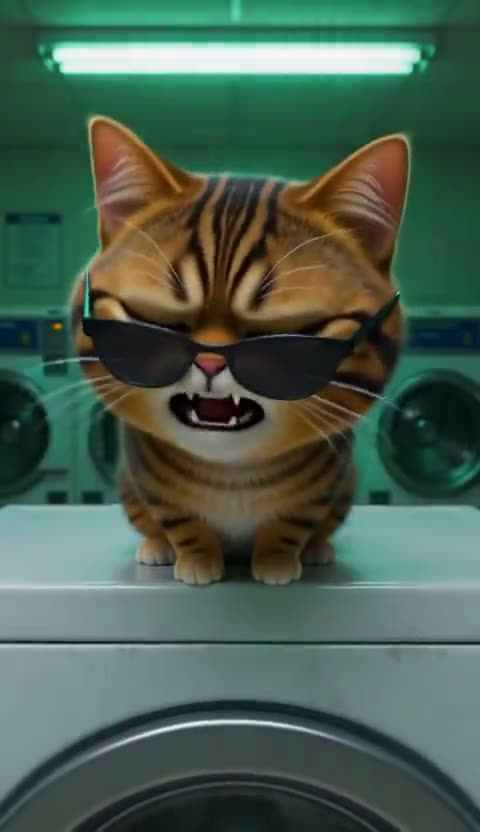
Text only skips the photo. You describe the rapper instead, for example a cartoon cat in a gold chain or an anime girl on a rooftop, and pick a visual style. This is the mode to use when you don't want a real face in the video, when you're building a character for a channel, or when you just want to see an idea before you commit to a photo.
All three modes cost the same and come out as the same 9:16 MP4, so the choice is about who should be on screen, not about price.
See how photo to rap video worksHow to write bars that fit a 5 to 15 second clip
The most common mistake is writing too much. A 5-second clip fits about two lines, a 10-second clip about four, and a 15-second clip about six. Paste a full verse and the vocal gets rushed or the last lines are cut, so pick your best lines and drop the rest.
Keep each line short, around 8 to 12 syllables, and end pairs of lines on a rhyme. Put the punchline last. If the joke is about a name, a habit or a gift, say it plainly; clever wordplay that needs a second listen gets lost in a short video. A quick example for a birthday:
Twenty-nine again, that's what Maya always claims Got more candles on the cake than the cake has frames We don't count the years, we just count the wins Blow 'em out, Maya, let the next one begin
Write in English. The vocal model is tuned for English, and other languages tend to come out mispronounced. Skip real artists' lyrics and names too; the generator writes fresh verses, and copied lines are a copyright problem when you post.
If you're stuck, leave the lyrics box empty. The AI writes a clean original verse from your scene and prompt, and you can edit it before the video renders.
Get lines from the free rap lyrics generatorBeats, scenes and visual styles
Every scene comes with a beat that suits it, and you can swap it for one of four: boom-bap at 80 BPM with dusty drums for a classic head-nod feel, melodic trap at 120 BPM with a bright synth lead, bouncy trap with a playful toy piano and big 808s, or lo-fi with a soft piano loop for something calm and late-night. Funny lyrics usually land best on bouncy trap; a heartfelt birthday verse sits better on lo-fi.
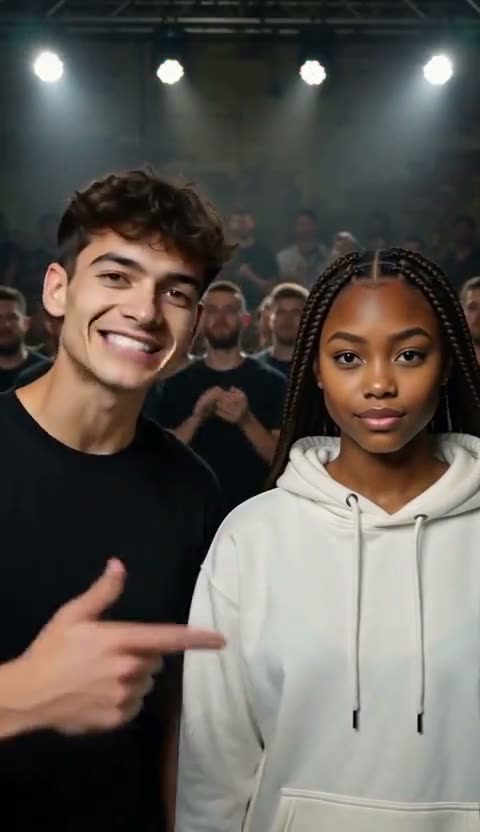
Scenes set the room the rapper stands in. The orange studio is the two-mic booth from the hotel lobby trend. The rooftop is a city skyline at dusk. The battle stage puts two people face to face under a spotlight. There are also scenes for birthdays, Halloween, Christmas and pets, each with lighting and props that match. Choosing a scene changes the prompt for you, so you can start from one and then edit a few words to make it yours.
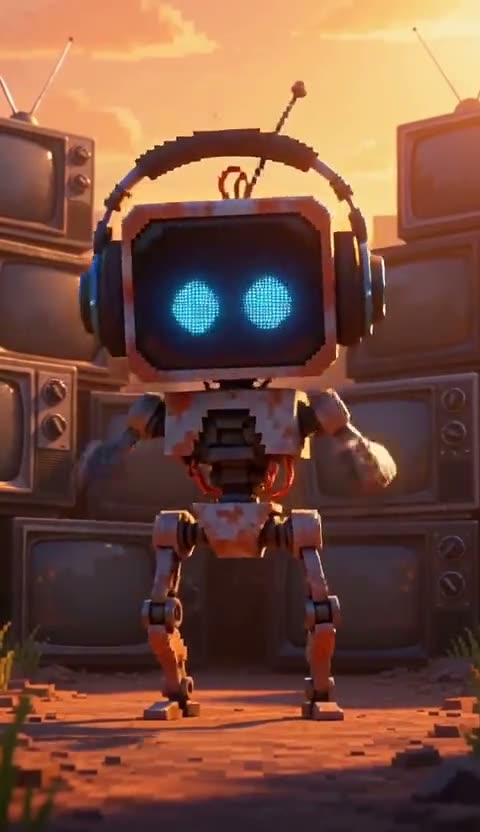
In Text only mode you also pick a visual style for the rapper, cinematic, anime, 3D cartoon or claymation. Style and scene work together: a claymation cat on a rooftop looks nothing like a cinematic rapper in a recording booth.
A good rule is to change one thing at a time. If a clip feels off, keep the lyrics and try another scene, or keep the scene and swap the beat, so you can tell what made the difference.
Try the orange studio from the hotel lobby trendAI rap video vs. making one yourself
Making a rap video the usual way takes several tools. You write the verse, find or make a beat, record the vocal, film yourself rapping it, then line up the mouth with the audio in an editor. Even a 15-second clip can take an evening, and the lip sync is the hard part.
An AI rap song generator saves the recording step, but you get an audio file. You still need footage, and dubbing a picture to a vocal it was never filmed with rarely looks right.
An AI rap video generator does the whole chain in one pass: verse, beat, vocals and a video where the face on screen is lip-synced to the words. It takes about a minute and ends in a vertical 9:16 MP4 at 768p with no watermark, sized for TikTok, Instagram Reels and YouTube Shorts.
The trade-off is control. You can't direct every camera move or mix the vocal by hand, and clips top out at 15 seconds. For a music career, record it yourself. For a joke, a greeting, a trend or a quick promo, the AI route is faster and much cheaper: one video is $5.99, and packs bring it down to $1.43 per video with no subscription.
Compare video packs and pricesTips for a better rap video
Pick a sharp, well-lit photo with the face filling the frame. Sunglasses and heavy filters hurt lip sync.
Keep lyrics to 2–6 lines, about two lines per five seconds. Long verses get rushed or cut off.
Name the beat in the prompt — boom-bap, trap with 808s, drill, lo-fi — and the model follows the tempo and mood.
In duo mode, the left photo raps the first half of your lyrics and the right photo answers with the second.
Pay per rap. No subs.
One-time payment. Videos never expire. 5, 10 or 15 seconds — same price.